
Devices and apps 4 MIN READ
Komoot and RideWithGPS routes
Both hold planned routes as well as completed ones, and the difference shows once it is on paper.
Both platforms hold planned routes and recorded activities, and the two look different once they are drawn.
Getting the file
In Komoot, open the tour on the web and use the export option in the tour actions. GPX is offered for both planned routes and completed ones.
In RideWithGPS, open the route or ride and use the export menu. It offers GPX Track for recordings and GPX Route for plans, along with TCX and FIT.
The difference that shows on paper
A planned route is drawn by a routing engine snapping to a road network. Every curve follows the map's own geometry, every junction is exact, and the line is smooth in a way no recording ever is.
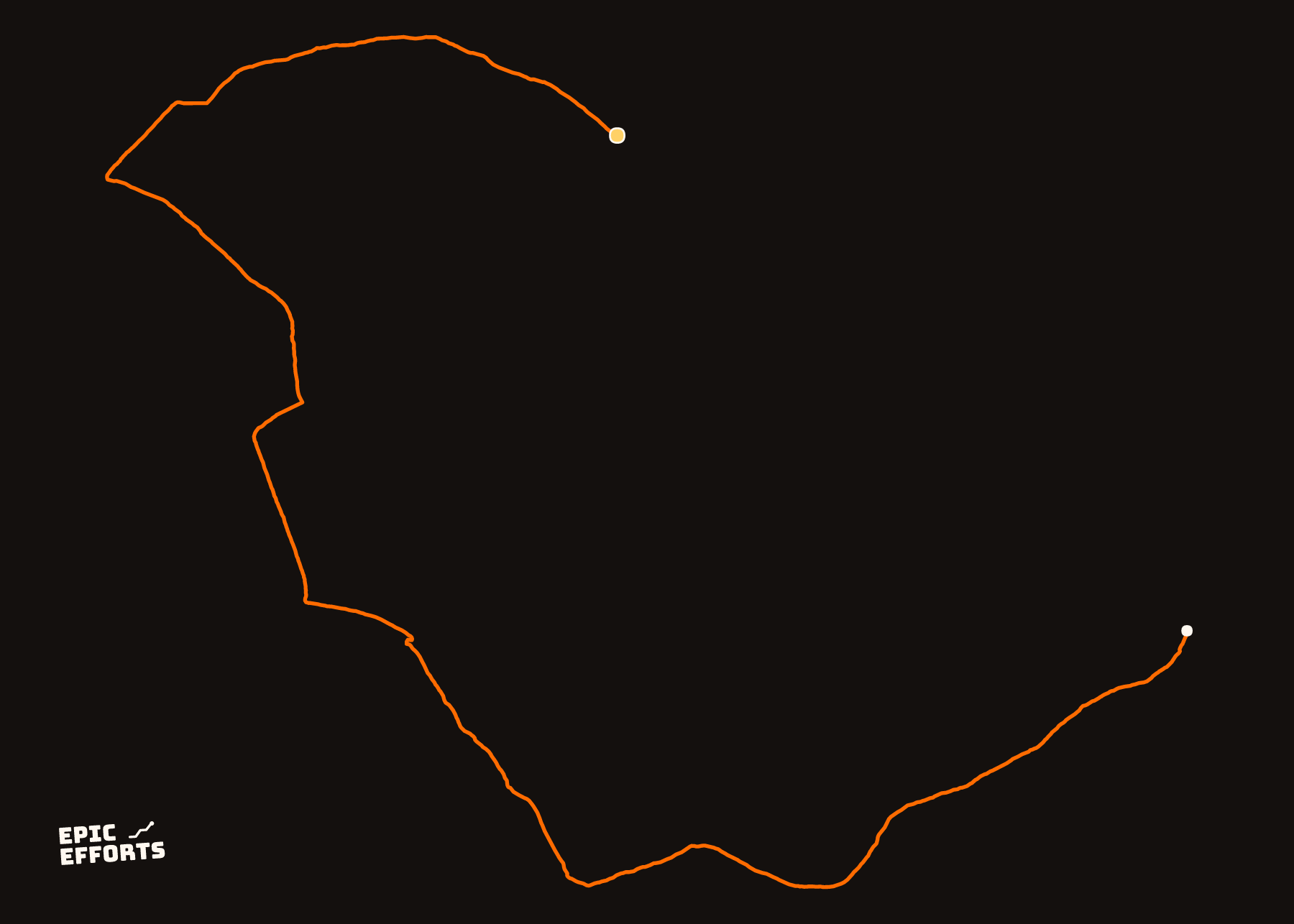
A recording is where your device thought you were, several times a minute, for hours. It wanders a metre or two either side of the road. It cuts corners where the signal lagged. On a long descent it may show you briefly in a field.
At poster size the difference is easy to see: the planned route is smooth, and the recording has small irregularities.
Which one belongs on a wall
A plan draws cleaner. It is smoother and has no GPS spikes, for example in the middle of a roundabout.
A recording shows where you actually went. A wobble on a climb or an extra loop near the end is visible in the line, and you will know what caused it.
We print either. If you rode the route, the recording is the more accurate record of it.
One practical note
A planned route often has far fewer points than a recording, because a routing engine only needs a vertex where the road changes direction. That is fine for a shape, but it means a planned route carries no elevation profile worth drawing, and no honest time or pace to put under the line. The GPX viewer shows the difference: a planned route opens with the time as a dash.
Questions people actually ask
- Where is the export in Komoot?
- On the web, open the tour and use the download or export option in the tour actions. Komoot offers GPX for both planned and completed tours.
- Does a planned route print differently from a completed one?
- Yes, and visibly. A planned route follows the map's own geometry, with clean curves and exact junctions. A recording wobbles slightly, because GPS positions are never exact.
- Can I print a route I have not ridden yet?
- You can, and it will look tidier than a recording. Which one you prefer is a matter of taste.
- Which is better to print, the plan or the recording?
- The recording, if you rode it. It shows where you actually went, including the small deviations.
YOURS, FROM A FILE, IN 90 SECONDS
One effort. One sheet of paper.
Bring the file and every choice is yours: paper, treatment, colour, which numbers come along. Uncoated matte in 250 or 170 gsm, made to order at the facility nearest you, rolled in a tube or framed flat in a box.
Print it. FROM 319 kr