
Devices and apps 3 MIN READ
Zwift FIT files: where they are, and what a virtual ride prints as
Zwift writes a FIT file for every ride into Documents/Zwift/Activities on PC and Mac, and into the Zwift folder in the Files app on iPad and iPhone. What the file contains, why a virtual route is not a GPS route, and what it prints as.
Zwift writes a FIT file for every ride and run, and keeps it on the device you rode with. Zwift's support page on activity files says where.
Where the files are
- PC: `Documents\Zwift\Activities`
- Mac: Finder → Go → Documents → Zwift → Activities
- iPad and iPhone: the Files app → *On My iPad* (or *On My iPhone*) → Zwift → Activities. The app's folder is reachable there without a computer.
- Apple TV has no file system you can reach; the ride is in Zwift's feed and in whatever it synced to.
Each file is a `.fit` named by date and time. The Zwift Companion app shows the last 250 activities, and the feed at zwift.com shows them too; the file itself is on the device.
A ride in progress
While a ride is running, Zwift writes to a file marked as in progress in the same folder. A ride that crashed leaves that file; it can sometimes be read up to the crash — repair a FIT file — and Zwift's support has a page on it.
What the file contains
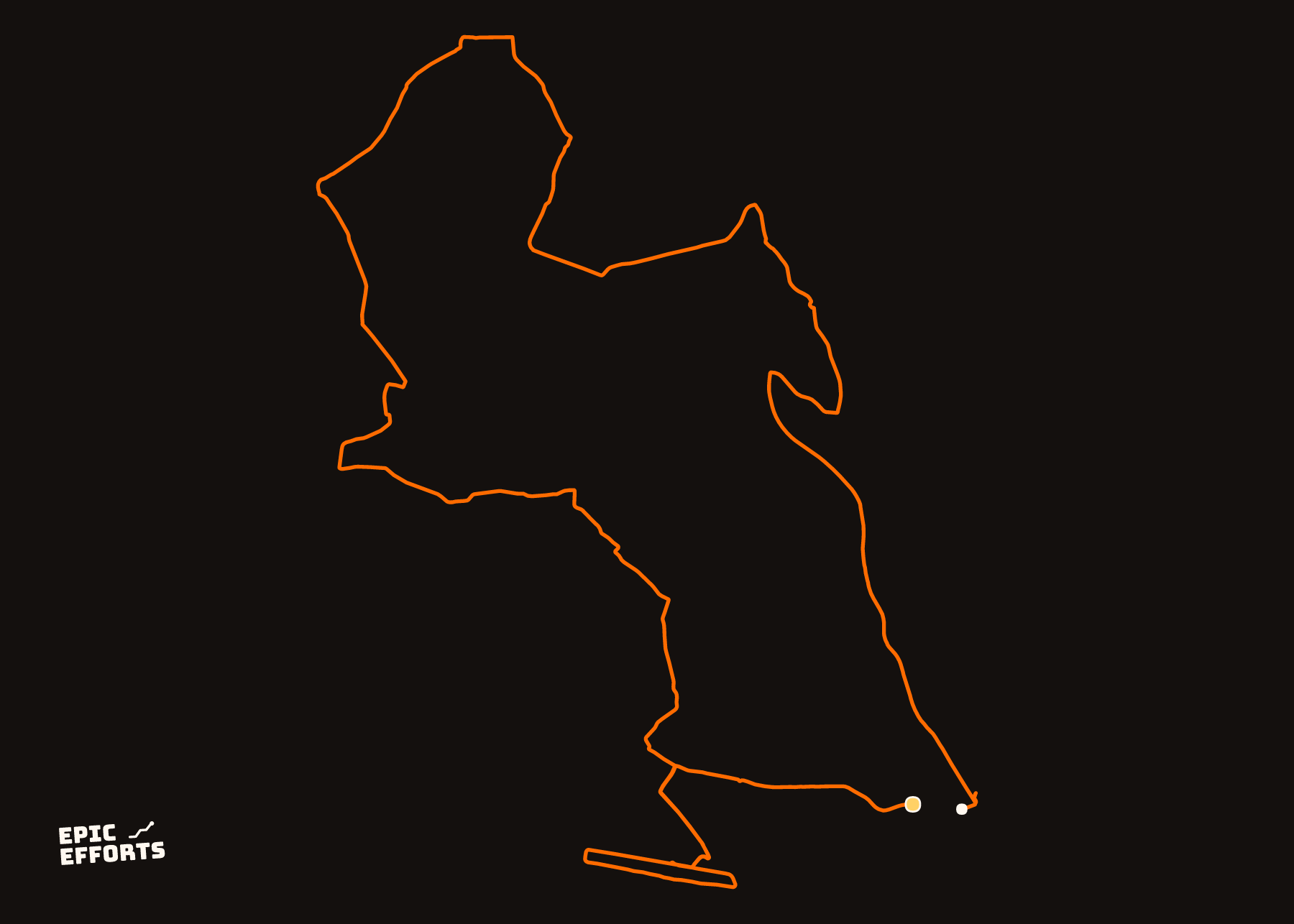
Power, cadence, heart rate, speed, distance, time, and coordinates — of the virtual world. A Watopia lap has latitude and longitude, and they point at an island that is not there. Any FIT tool reads the file; the viewer draws the virtual route. FIT to GPX converts it if a tool wants GPX.
What it prints as
A route print of a Zwift ride is the shape of a virtual road, which is a real shape but not somewhere you went. Where a Zwift ride belongs on paper is the data prints: the year as a grid of days, the streak, the split between indoor and outdoor. Those draw from the numbers, and a Zwift ride's numbers are as real as anyone's.
Zwift to Strava
Zwift syncs to Strava and Garmin Connect when connected in its settings, and the FIT is what it sends; *Export Original* on Strava returns it.
Then what
Any GPX, FIT or TCX opens in the viewer to check it, uploads to Strava (how), and goes into the editor to become a print of the route with the numbers from the file. The other watches and apps are in the device guides.
Questions people actually ask
- Where are Zwift FIT files stored?
- On a PC: Documents\\Zwift\\Activities. On a Mac: Documents, Zwift, Activities. Zwift's own support page on activity files points there. Each ride is a .fit file named by date.
- How do I get a FIT file from Zwift on iPad?
- Through the Files app: On My iPad (or iPhone), the Zwift folder, Activities. Zwift Insider documented the route; it is the same folder the app writes to.
- Does Zwift export GPX?
- No — FIT only. A Zwift ride has virtual coordinates in Watopia rather than GPS, so a GPX of it is a track through an imaginary place. FIT to GPX here converts it if a tool needs GPX.
- Can I print a Zwift ride?
- As a data print, yes: the ride has power, heart rate, time and distance, and the year-of-rides grids draw it. As a route print, it is the shape of a virtual road. It draws, but it is not somewhere you went.
YOURS, FROM A FILE, IN 90 SECONDS
One effort. One sheet of paper.
Bring the file and every choice is yours: paper, treatment, colour, which numbers come along. Uncoated matte in 250 or 170 gsm, made to order at the facility nearest you, rolled in a tube.
Print it. FROM 319 kr