
Strava guides 3 MIN READ
Open a Strava route or activity in Google Maps, Google Earth or Apple Maps
Google Maps itself does not import files. Google My Maps and Google Earth do, and both read the GPX that Strava exports. Apple Maps has no import at all. Steps for each.
"Export Strava route to Google Maps" is one of the most searched phrases in this whole topic, and the honest first line is: Google Maps does not import routes. Not GPX, not anything. What people mean is one of two other Google products, and both work.
Google My Maps: the one that works
My Maps is Google's tool for making your own maps, and it imports GPX.
- On strava.com, open the route and use the download arrow → GPX. For an activity, use the more menu → Export GPX instead.
- Open Google My Maps in a browser, create a new map, and use Import on a layer. Pick the GPX.
The line appears on Google's map, and because My Maps lives in your Google account, the saved map shows up in the Google Maps app on your phone under your saved maps. That is as close to "Strava in Google Maps" as it gets, and for showing someone where you went it is plenty.
It will not navigate you turn by turn. My Maps displays a line; Google Maps navigates between addresses. If you want turn-by-turn on a phone, that is a bike computer or a navigation app with GPX import, not Google.
Google Earth: the one for looking at it
Google Earth opens GPX files directly and drapes the line over 3D terrain. For a mountain route, a fell run or anything with a view, it is the most satisfying way to look at a file on a screen. Export the same GPX from Strava and open it in Earth — no conversion needed, though Earth is also happy with KML if a tool gives you that instead.
Apple Maps: no
Apple Maps has no import for route files. There is nothing to work around; the feature does not exist. On an iPhone the options are Google My Maps in the browser, Google Earth, or a third-party app that reads GPX. The phone workaround covers getting the file out of Strava on the phone in the first place.
The other reason people search this
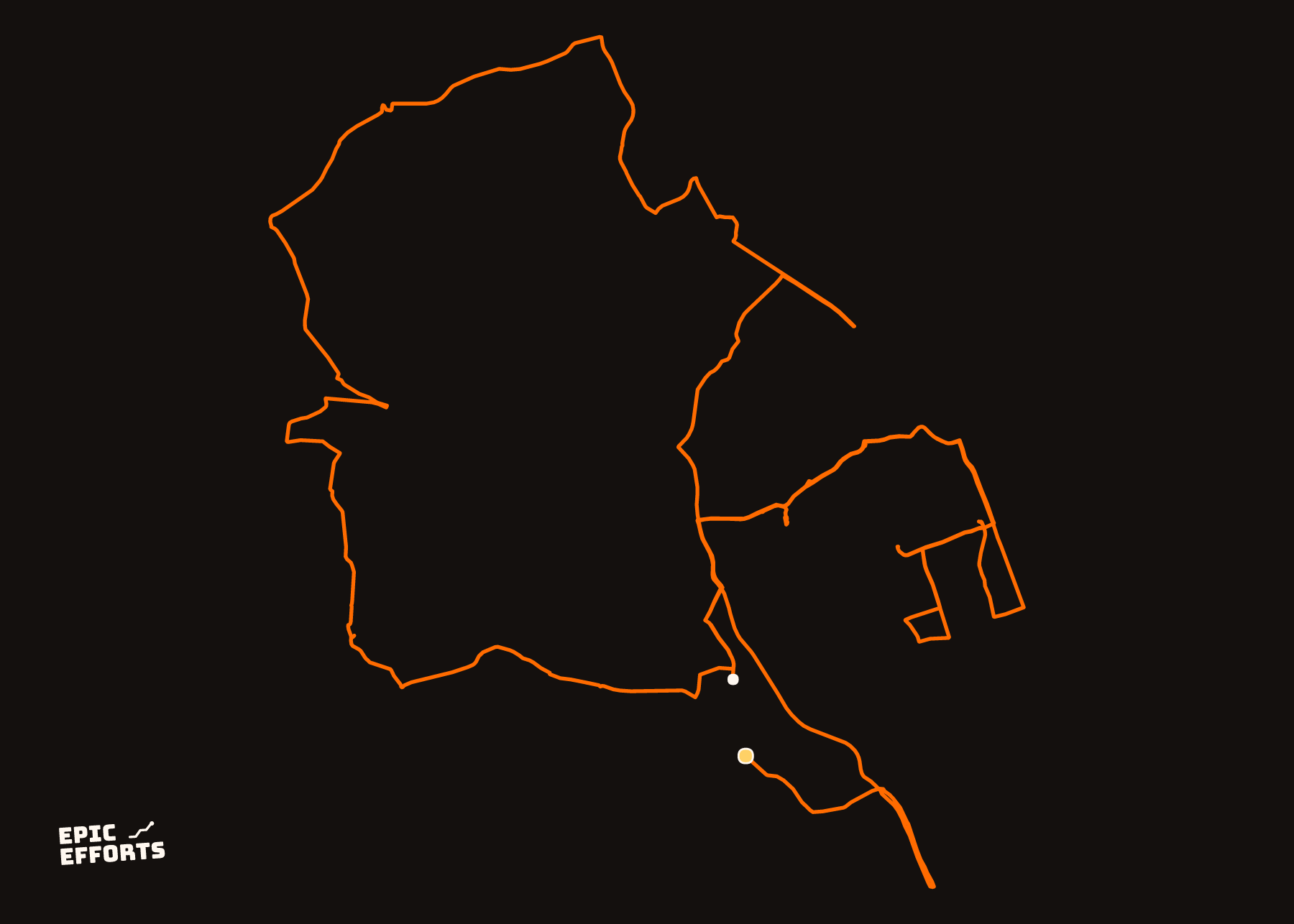
Often the wish behind "see it in Google Maps" is simpler: to see the route by itself, bigger, cleaner, without Strava's interface around it. For that you do not need a map product at all. Drop the GPX into the configurator and it is drawn as a single line, at poster size, in your browser — with or without a map underneath. That version is the one that ends up on a wall; the Google versions are the ones that end up in a group chat.
Both start with the same export. The activity export and the route export are on different pages in Strava — check which one you are looking at before hunting for the button.
Questions people actually ask
- Can I export a Strava route to Google Maps?
- Not into the Google Maps app directly — it has no file import. Export the route as GPX from Strava and import it in Google My Maps, which is Google's map-making tool and opens in the Google Maps app once saved.
- Can I open a Strava route in Apple Maps?
- No. Apple Maps has no way to import a GPX or any other route file. Third-party apps on iPhone do, but Apple's own map does not.
- Does Google Earth open Strava files?
- Yes. Google Earth imports GPX (and KML), and shows the route over terrain. Export the GPX from Strava and open it in Earth.
- What if I only want to see the route on a map, not navigate it?
- Then you do not need Google at all. Strava already shows it, and dropping the file into the configurator draws it as a clean line at any size — which is the version most people wanted a map for in the first place.
YOURS, FROM A FILE, IN 90 SECONDS
One effort. One sheet of paper.
Bring the file and every choice is yours: paper, treatment, colour, which numbers come along. Uncoated matte in 250 or 170 gsm, made to order at the facility nearest you, rolled in a tube.
Print it. FROM 319 kr