
Strava guides 3 MIN READ
Export a Strava route (not an activity) as GPX or TCX
A route and an activity are different objects in Strava, and they export from different places. The route export is a small arrow icon on the route page. Here is where, and what you get.
Strava has two kinds of line. An activity is something you did — it has a time, a date, a heart rate. A route is something you plan to do — it has a shape and nothing else. They live on different pages, and they export from different places. Most "where is the export button" confusion is somebody looking on the wrong page.
Exporting a route from the website
- On strava.com, open Dashboard → My Routes and open the route.
- Look for the download arrow icon on the route page — a down arrow, not the three-dot menu that activities use.
- Choose GPX or TCX, whichever the device or tool you are sending it to accepts.
Strava's own wording is that you can export any public route this way. A route somebody else made can be exported as long as they have not set it to private.
Exporting a route from the app
The app is built to send routes to devices, not to hand you files. A starred route syncs to a Garmin, Coros, Suunto or Polar through their apps — see Strava to Garmin Connect — but there is no "save as GPX" in the app itself.
If you need the file on the phone, do what you would do for an activity: open strava.com in Safari or Chrome, request the desktop site, open the route and use the download arrow. The app workaround walks through it.
What a route file does not contain
A route GPX is a list of coordinates and nothing more. No timestamps, no heart rate, no elevation you actually climbed — only the elevation the map thinks is there.
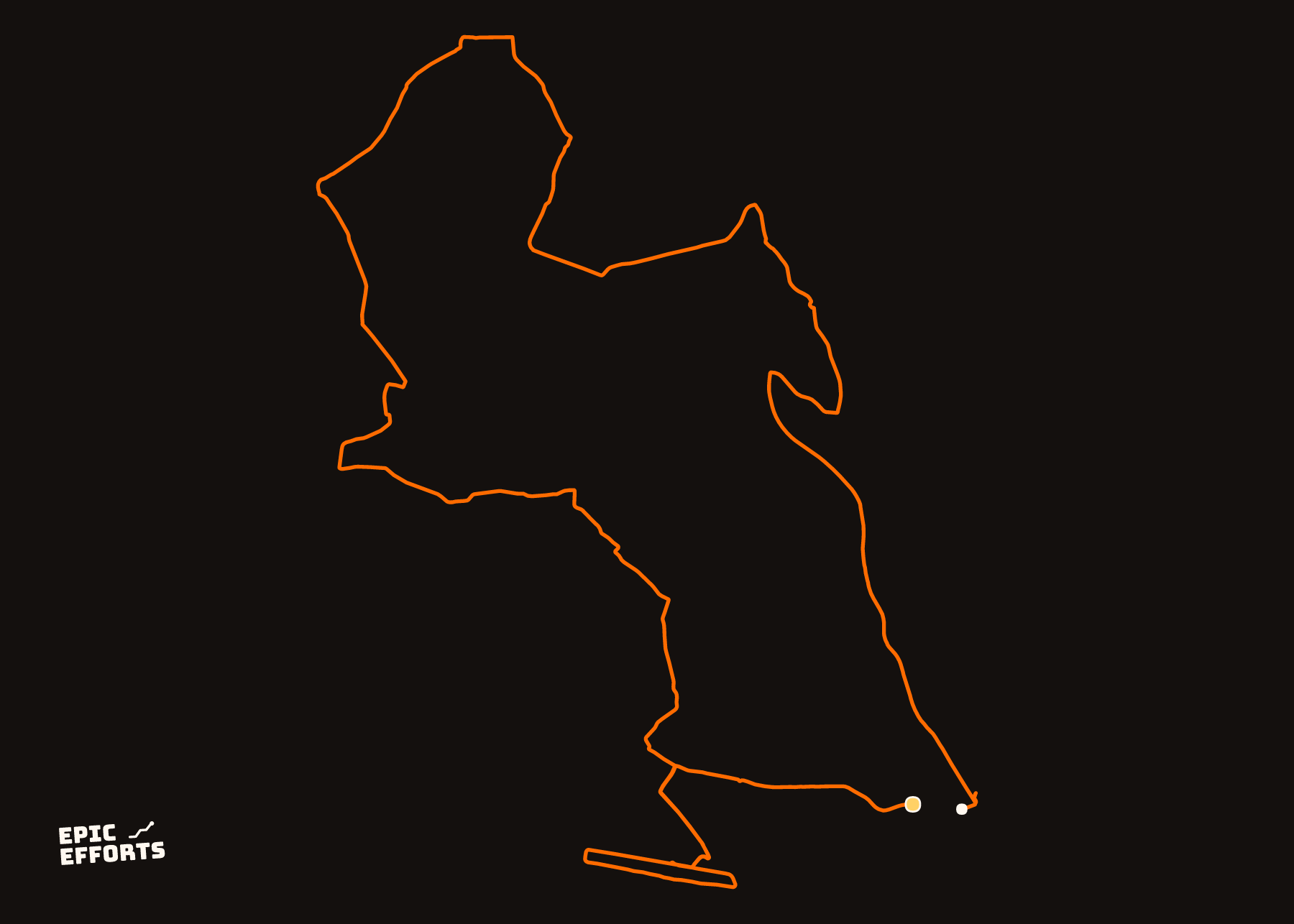
That matters for a print. Drop a route into the configurator and you get the shape, drawn cleanly, and none of the numbers: no time, no pace, no moving time, because there was no movement. For a plan on the wall that is fine. For the record of a day, export the activity you recorded when you actually did it — the activity export is on a different page and carries everything the route lacks.
Route or activity: a quick way to tell
Open the page. If it has a date and a time in the header, it is an activity: export from the more (three-dot) menu. If it has a distance and an estimated time but no date, it is a route: export from the download arrow.
Turning one into the other
Both directions exist. An activity can become a route — Strava's route page has a way to create a route from your own activity, useful when you want to ride the same loop again from a bike computer. And a GPX from anywhere can become a route: My Routes → Create New Route, then the upload button. Strava calls that uploading route files, and it is the way to get a Komoot or Ride with GPS plan onto a Strava-connected device.
Neither conversion adds data that was not there. A route made from an activity keeps the shape and loses the times; a route made from a file is exactly the file.
Questions people actually ask
- Can I export a Strava route to GPX for free?
- Exporting is not on Strava's subscription feature list; the export arrow is on the route page. Creating routes from scratch in the route builder is a subscription feature, so you may need one to make the route in the first place.
- Can I export a route from the Strava app on my iPhone?
- The export lives on the website. On a phone, open strava.com in the browser, request the desktop site, open the route and use the download arrow. The app sends routes to watches and bike computers by syncing instead.
- Why does my route print have no time or pace on it?
- Because a route is a plan, not a recording. It has coordinates but no timestamps, so there is nothing to compute a time or pace from. Ride or run it, then export the activity.
- Can I export a route somebody else made?
- Strava says any public route can be exported from the website. Routes set to private by their creator are not.
YOURS, FROM A FILE, IN 90 SECONDS
One effort. One sheet of paper.
Bring the file and every choice is yours: paper, treatment, colour, which numbers come along. Uncoated matte in 250 or 170 gsm, made to order at the facility nearest you, rolled in a tube.
Print it. FROM 319 kr