
Files: GPX, FIT and TCX 4 MIN READ
Turn a GPX file into an image, an SVG, a PDF or a poster
A GPX is coordinates, not a picture. How to draw one as a PNG or SVG in your browser without installing anything, what the map tools give you, and how the same file becomes a print at 70×100 cm.
A GPX file is not a picture. It is a list of coordinates, and something has to draw it. The something can be a map app, a converter, or a printer, and they give you very different pictures of the same file.
The quick way: draw it in the browser
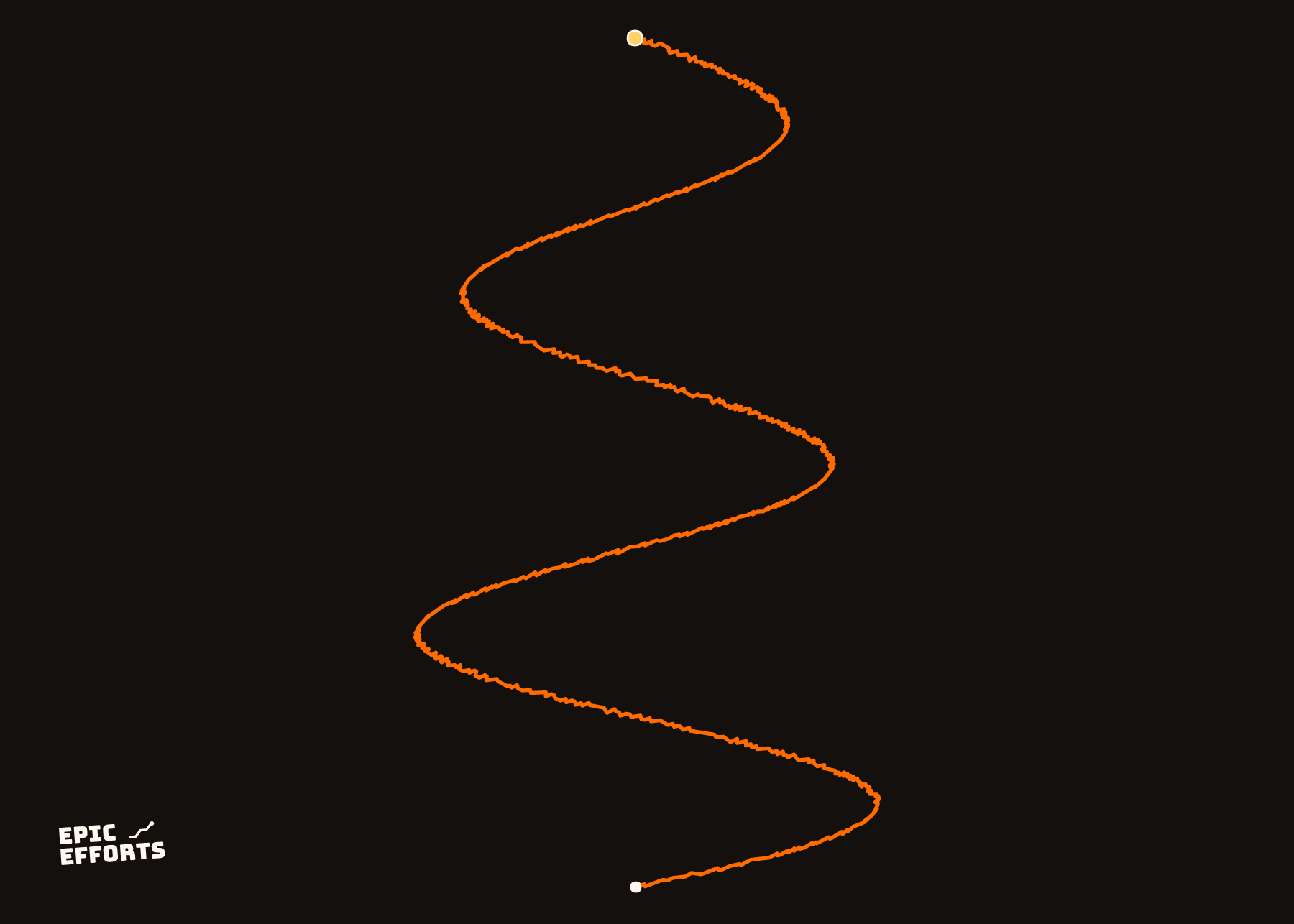
Drop the file into the GPX to image tool. It reads GPX, FIT and TCX, draws the route as one clean line with the distance, time and elevation from the file, and saves it as a PNG or an SVG — nothing installed, nothing uploaded. The PNG is for a message or a post; the SVG is vectors, for anything that will be scaled or edited later.
The picture is the shape of the route without a map behind it. That is a choice: a route as a line reads at any size, and a route on a map is a route among a thousand other lines.
With a map: the map tools
- Google Earth opens a GPX directly and draws it on satellite imagery; screenshot the view.
- Google My Maps imports a GPX as a layer on a street map, shareable by link.
- gpx.studio draws it on several map styles in the browser and can export the view.
- Strava draws every uploaded activity on its map, and the app's share image is that map at a few hundred pixels wide — the Strava map as an image.
All of these give you a screenshot: a picture of a screen, at the screen's resolution. Fine for a screen. Printed larger than a postcard it goes soft, because there is nothing more in it.
For a PDF, print the browser page of any of the above to PDF. The route line in the tool here is vectors, so a PDF of it stays sharp; a PDF of a map screenshot is the screenshot in a wrapper.
The other output: a poster
The reason the difference matters: a GPX drawn from its coordinates can be drawn at any size. The editor takes the same file and draws it at print resolution on a 30×40, 50×70 or 70×100 cm sheet — one clean line, or on a real map fetched at print resolution for that size, with the numbers under it and your title. What you see in the browser is what is printed, on Museum 250 gsm paper, from 319 kr. GPX poster is the product page for it.
The tool and the print draw with the same code. The tool is the picture; the print is the picture made to be looked at from across a room.
Which file
Anything the tools read: a GPX from Strava, Garmin, Komoot or a race organiser; a FIT straight from a watch, including `.fit.gz`; a TCX. What a GPX file is, if the file is new to you, and track vs route if the image has no time on it.
Questions people actually ask
- How do I convert a GPX file to an image?
- Drop it into the GPX to image tool here: the route is drawn in your browser and saved as a PNG, with or without the numbers, nothing installed and nothing uploaded. Google Earth and gpx.studio can screenshot a map view of it.
- How do I get a GPX file as a PNG?
- The same tool, Save as PNG. The image is the route as a clean line at screen resolution; for a wall, use the print, which draws the same file at print resolution.
- Can I turn a GPX into an SVG?
- Yes — Save as SVG in the same tool gives the line as vectors, which scale to any size and open in Illustrator, Inkscape or Figma.
- How do I print a GPX file?
- Drop it into the editor. The route is drawn at the size you choose, with the numbers from the file under it, on museum paper; from 319 kr. A screenshot printed large goes soft; a print made from the coordinates does not.
YOURS, FROM A FILE, IN 90 SECONDS
One effort. One sheet of paper.
Bring the file and every choice is yours: paper, treatment, colour, which numbers come along. Uncoated matte in 250 or 170 gsm, made to order at the facility nearest you, rolled in a tube.
Print it. FROM 319 kr