
Strava art 4 MIN READ
Free Strava art generators and planners compared
There is no button that generates Strava art. There are planners that let you draw a route along streets and export it, an AI tool that overlays a design on a map, and a gallery. What each does, what it costs, and what still has to be done by you.
Search for a Strava art generator and you find three different things wearing the same name: route planners, an AI overlay tool, and a gallery. None of them generates the drawing. Here is what each actually does, from their own sites, so you know what you are signing up for.
What a "generator" can and cannot do
Strava art is a recording. The line on the map is where you moved. A tool can help you find streets that make a shape; it cannot make the shape appear on your profile. So every tool here ends at a GPX file you then follow on a watch or a phone, and record.
| Tool | What it does | Cost | Needs Strava? |
|---|---|---|---|
| Komoot | Draw a route along roads and paths, export GPX | Free for basic planning | No |
| Ride with GPS | Same, with good manual control of the line | Free tier | No |
| Google My Maps | Draw freehand or along roads, export KML | Free | No |
| gpx.studio | Browser editor: draw, split, merge, export GPX, no account | Free | No |
| GPSArtify | Overlays your design on a map with AI help, exports to apps and devices | Free sign-up; further pricing not stated | No |
| strav.art | A gallery of 3,000+ finished pieces, submitted by their makers | Free to browse; £3/month for an artist page | Yes, for submitting |
| Strava Route Builder | Draw a route along roads, send it to the watch | Subscription | Yes |
The planners
Komoot, Ride with GPS and gpx.studio are the honest answer to "how do people do Strava art": they draw a line that stays on streets and give you a GPX. The skill they need is yours — choosing a grid, placing the pen lifts, zooming out to check the shape reads. How to make Strava art is that skill written down.
Strava's own Route Builder does the same job and sends the route straight to a connected watch, which is convenient. It is a subscription feature. You do not need it: any GPX loads onto a Garmin, Coros, Suunto or Wahoo as a course.
The AI overlay
GPSArtify's site describes laying your design over a map and letting the software find the streets, then exporting to Komoot, Nike Run Club, Garmin and others. That removes the tracing, which is most of the tedium. What it does not remove is the judgement: whether the shape reads at the size the streets allow, and what to do about the block with no road where the ear should be. Treat the output as a first draft and walk it in your head before you run it.
The gallery
strav.art is not a tool but it is the best place to see what works. Thousands of finished pieces, with the routes, from people who made them. Browse by what you want to draw and look at how the good ones handle pen lifts and detail.
After the drawing exists
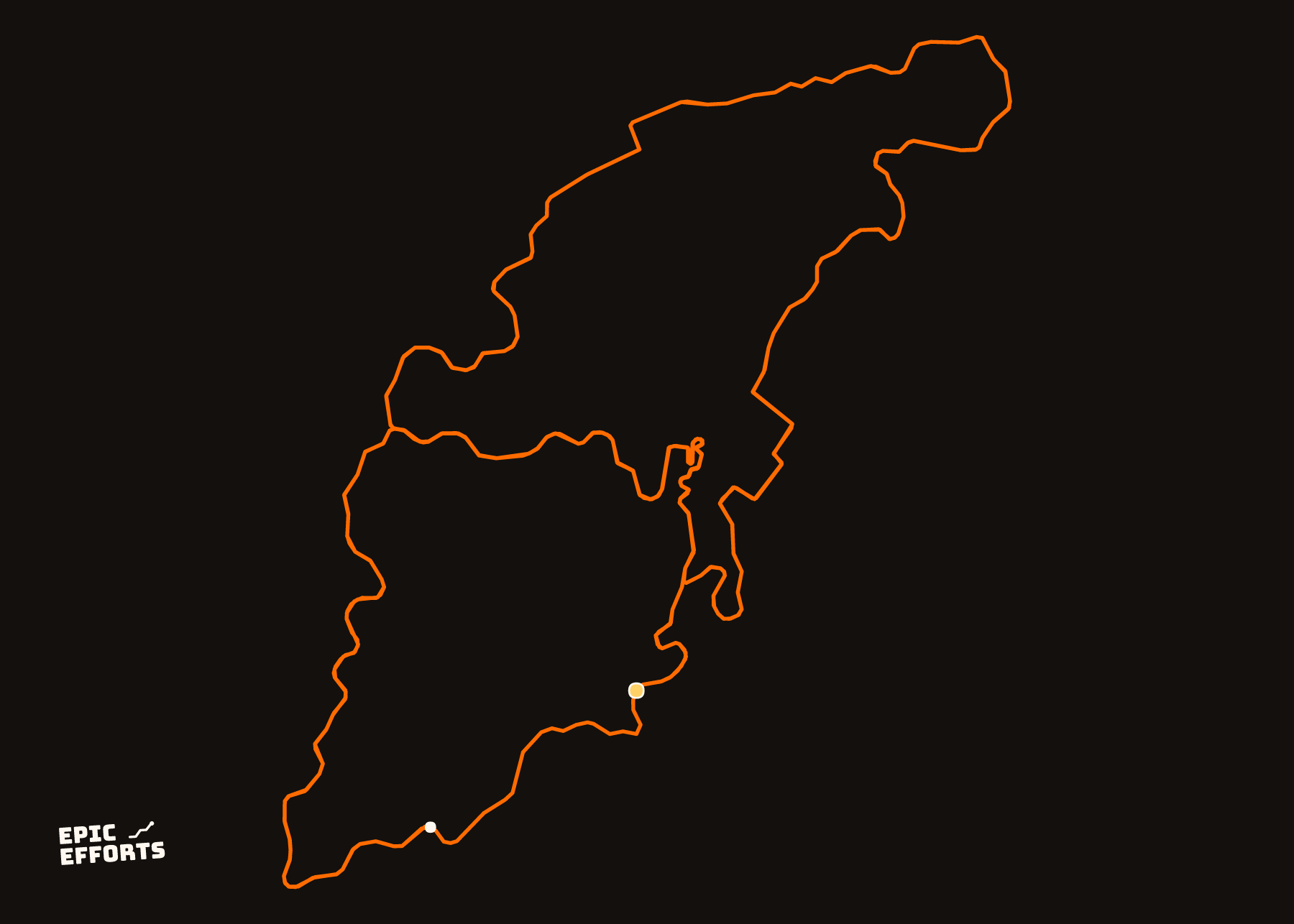
Every tool above stops at the recording. The recording is on Strava, and Strava's share image is a small picture of a map. To keep the drawing, export the GPX from the activity — free on any plan, here is where — and it can be drawn as one clean line at any size, without the map: the Strava art print. Ideas by distance are in Strava art ideas.
Questions people actually ask
- Is there a free Strava art generator?
- There are free planners — Komoot, Ride with GPS, Google My Maps, gpx.studio — that let you draw a route along streets and export it as GPX. None of them generates the drawing; you draw it, they keep it on the roads.
- Is GPS Artify free?
- GPSArtify offers a free sign-up according to its site; pricing beyond that is not stated there. It overlays a design on a map to help plan the route and exports to apps and devices, and does not require Strava.
- What is strav.art?
- A gallery. strav.art shows over 3,000 pieces of GPS art submitted by the people who ran or rode them, free to browse, with an optional paid artist page. It does not plan routes.
- Can AI make Strava art for me?
- An AI tool can lay a shape over a map and suggest streets, which saves the tracing. It cannot run it, and it cannot fix the block that has no road where the drawing needs one. The planning judgement is still yours.
YOURS, FROM A FILE, IN 90 SECONDS
One effort. One sheet of paper.
Bring the file and every choice is yours: paper, treatment, colour, which numbers come along. Uncoated matte in 250 or 170 gsm, made to order at the facility nearest you, rolled in a tube.
Print it. FROM 319 kr