
Strava art 6 MIN READ
How to make Strava art: plan it, run it, share it
Strava art is a route planned so the line makes a picture. How to plan one on a free map tool, what a pause does to the line, why closed shapes are easier, and what you need on the watch — no subscription required.
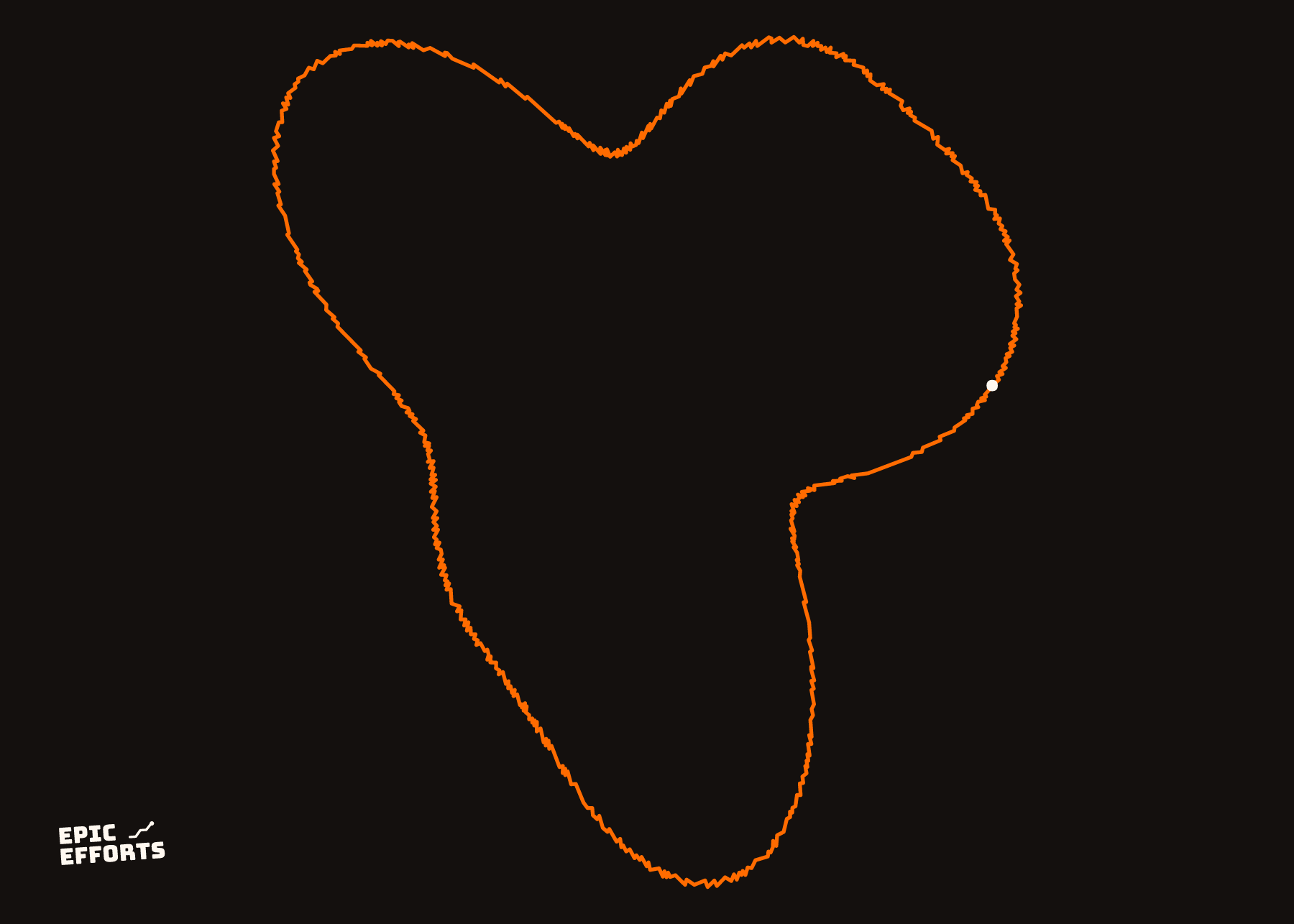
Strava art is a route planned so that the line on the map makes a picture: a heart, a word, an animal, a proposal. The drawing is done with your feet or your wheels; Strava only shows it. Which means the work is in the planning, and none of it needs a subscription.
1. Plan the shape on a map
Start with the picture, then find the streets. Open a map tool that lets you draw a route along roads and see the shape as you go. Strava's own Route Builder does that, but it is a subscription feature; the free ones do it just as well for this:
- Komoot or Ride with GPS — snap to roads, drag the line, export GPX.
- Google My Maps — draw freehand or along roads, export KML, convert it.
- gpx.studio — a free browser editor that draws, splits and exports GPX with no account.
Trace the outline first, as one continuous line if you can. Most street grids have more right angles than a drawing wants, so the shape will be blocky at first; use diagonals, parks and river paths for the curves. Zoom out often. A drawing that reads at the size of a Strava map is one with few, clean strokes, not one with detail.
2. Understand what a pause draws
Strava connects every recorded point to the next one. It does not know about pauses. So when you pause at the end of one stroke, walk two blocks and resume, the map shows a straight line between the two points. That is the "pause trick", and the trick is only that the line is *straight*: you can plan for it. Put pen lifts where a straight line disappears into the drawing — along an edge you were going to draw anyway, or across the inside of a shape that is filled with other lines.
Closed shapes with no lifts are the easiest: a heart, a circle, a letter O, a simple animal outline. Letters and faces need lifts; plan each one.
3. Get it onto the watch
Export the route as GPX and load it as a course on the watch or into a phone app that shows it while you move. Garmin, Coros, Suunto and Wahoo all take a GPX course; GPX to FIT makes a course file if you want to skip Garmin Connect. Following on the phone works too, but for a long drawing a wrist is easier than a hand.
4. Record it cleanly
- Turn auto-pause off. Every crossing you wait at becomes a tiny straight line, and a drawing full of them looks scribbled.
- Keep the pen down through the strokes; walk the lifts, do not run them, so they are short.
- Open sky where you can. Tall buildings and trees pull the line off the street by tens of metres. A stroke down an avenue is straight; the same stroke under a canopy is a wobble.
- Start and finish somewhere the ends do not matter. Strava draws the whole recording, including the bit from the car park.
5. Share it, then keep it
Strava's map of the activity is the picture, and the share image from the app is fine for a phone screen. It is a few hundred pixels wide, though, and it is a picture of the map. If the drawing is one you want to keep, export the GPX — free, on the website, here is where — and it can be drawn again at any size. A Strava art print shows the shape as one clean line, no map behind it, with the distance and the date under it.
Ideas by distance and difficulty are in Strava art ideas; the tools that help are in the generators compared.
Questions people actually ask
- Do I need Strava Premium for Strava art?
- No. Recording an activity is free on any plan, and that is all Strava art is. Strava's own Route Builder is a subscription feature, so plan the route in a free tool instead — Komoot, Google My Maps or gpx.studio — and follow it on the watch or the phone.
- How do you create Strava art?
- Draw the shape on a map first, along real streets, then record an activity that follows it. Strava connects consecutive GPS points, so the line is whatever you actually moved along. Keep the pen down for a closed shape; use a pause where the pen has to jump.
- What is the Strava art pause trick?
- Strava draws a straight line from the last point before a pause to the first point after it. That is the pen lift: pause, walk to where the next stroke starts, resume. The straight line still appears — it is just straight, so it is easy to plan for.
- What GPS watch is best for Strava art?
- Any watch with GPS. What matters is a steady recording without auto-pause switching on and off at every crossing, so turn auto-pause off for the run. Under trees and between tall buildings the line wobbles on every device; plan strokes along open streets where you can.
YOURS, FROM A FILE, IN 90 SECONDS
One effort. One sheet of paper.
Bring the file and every choice is yours: paper, treatment, colour, which numbers come along. Uncoated matte in 250 or 170 gsm, made to order at the facility nearest you, rolled in a tube.
Print it. FROM 319 kr